Airframe Ultra Controls Guide: Keyboard, Movement & Flips
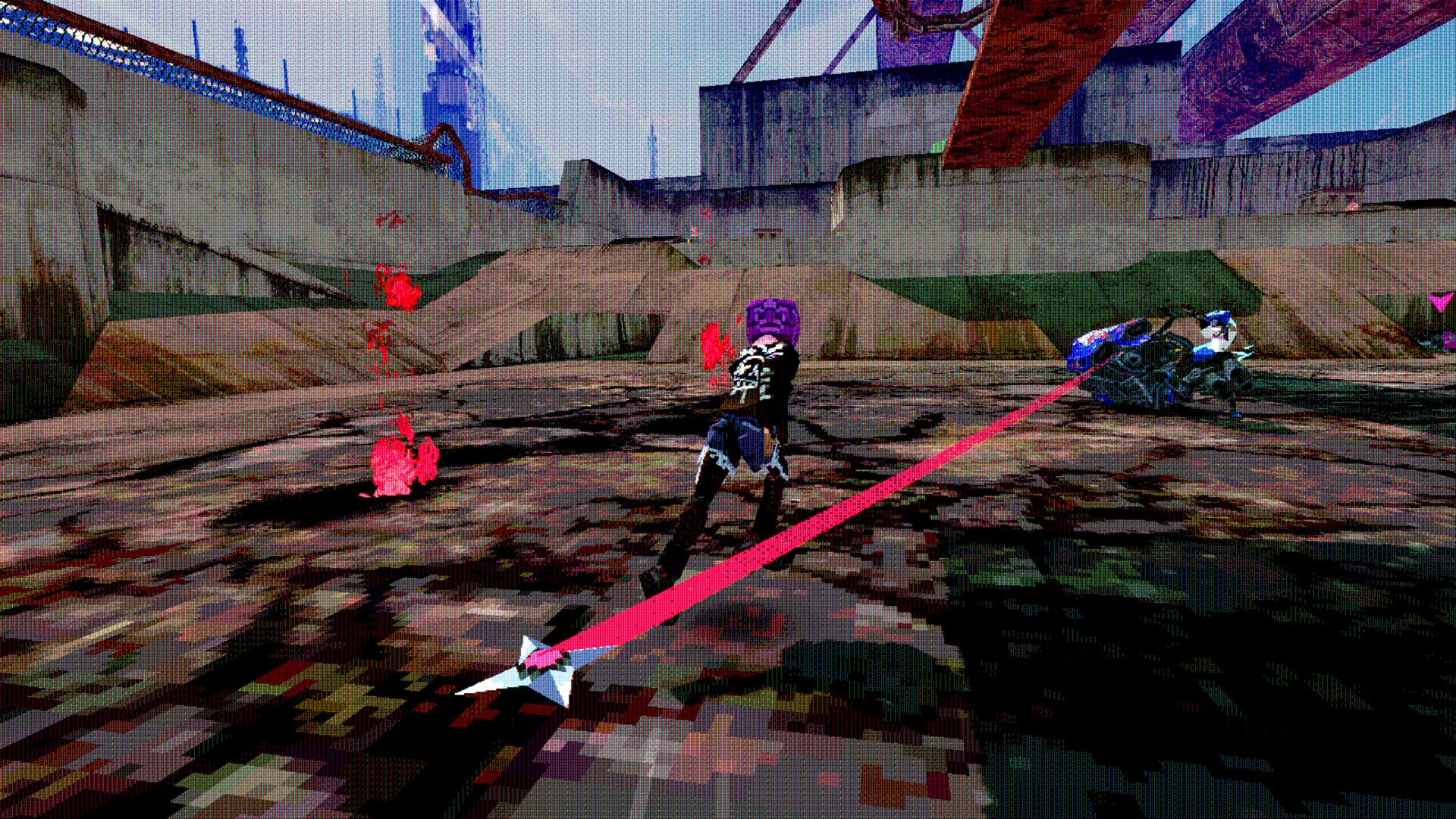
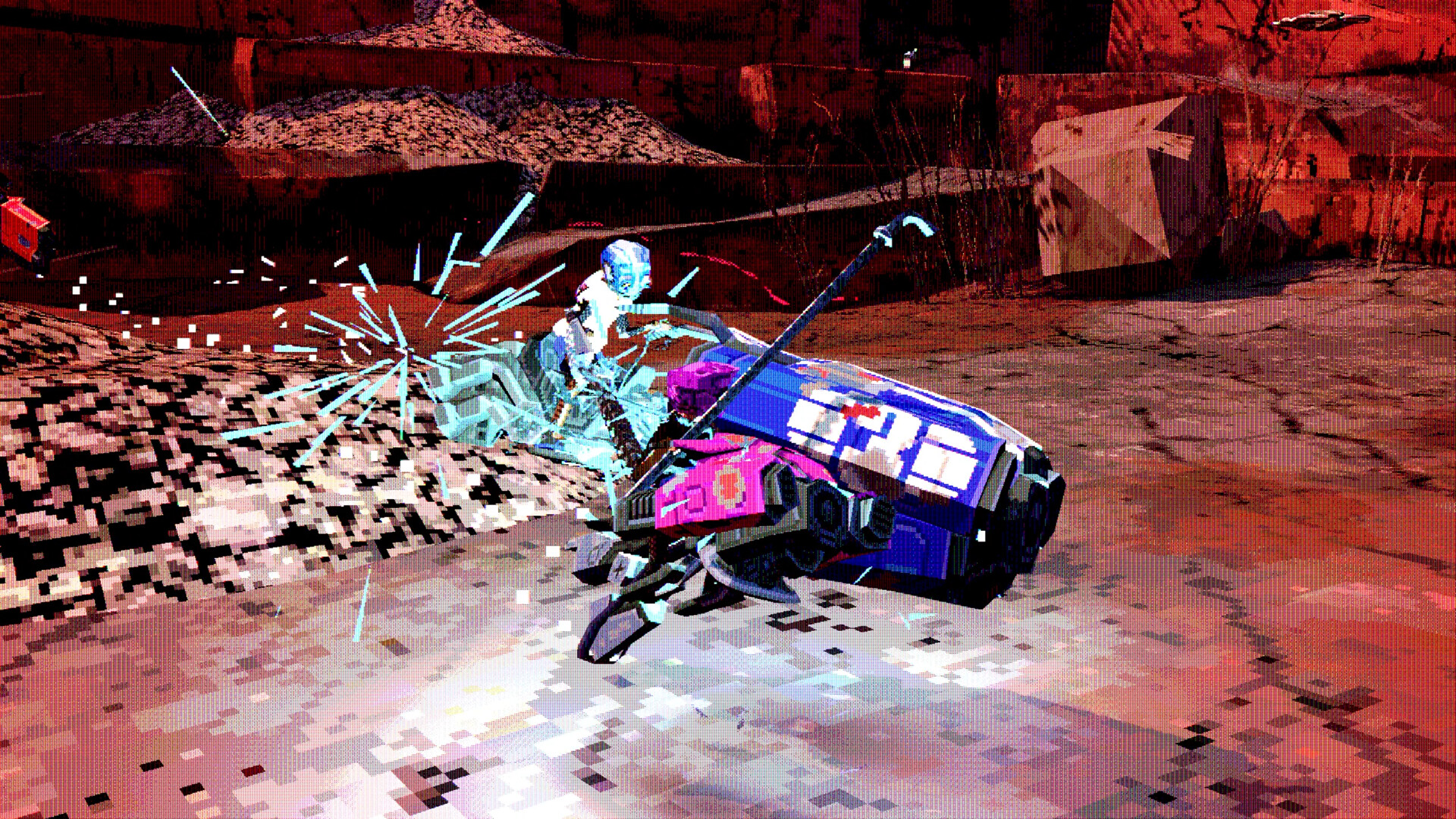
Airframe Ultra is a movement-first racer: momentum, drifts and airborne flips decide races as often as weapons do. The developers recommend a gamepad for "optimal steering control", but keyboard play is fully supported — and the search interest around "keyboard controls", "movement guide" and "how to flip" is exactly what this page covers.
Keyboard vs Gamepad (Confirmed Position)
The official position is on the store page itself: "Gamepad highly recommended for optimal steering control." That is the only input note the developers publish, and it tells you where the game's center of gravity is — analog throttle and stick steering for a game built around momentum.
Keyboard play is real, though: every beta accepted keyboard players, and Google autocomplete already carries "airframe ultra keyboard controls" — a query created by actual players working out the scheme. The movement options (invert, sensitivity) are rebindable in the options menu of the beta builds.
Practical setup for keyboard players: treat the keyboard as digital input — pre-turn earlier, use shorter steering taps through corners, and lean on the boost rather than fighting for micro-steering a stick would handle.
Movement: Momentum, Drifts and Flips
Airframe Ultra's handling is physics-first — the kind of movement model Videocult is known for from Rain World. Racers carry momentum: sharp direction changes cost speed, drifts trade grip for angle, and the tracks of Megacity West are built with elevation changes that launch you airborne.
The flip — as in "how to flip" — is an aerial maneuver: leaving a ramp or ledge rotates the Airframe, and orienting it for landing is the difference between a clean boost and a crash. Beta players' clips center on exactly this: flip timing off the shipyard ramps of Slabtown and the elevated lanes of Vantac.
The official materials do not publish a frame-data-level handling guide, and we will not invent one. What is confirmed: momentum matters, airtime is a core mechanic, and landing orientation is the skill the betas were tuned around.
Weapons on the Move
Combat is bound into the same control scheme: pipes, chains and plasma torches swing and fire while you steer, and the humble baseball bat is the signature weapon of the game's own marketing copy. Attacks are timed against your movement — swinging mid-drift changes your line as much as your target's health.
Boosts are the defensive counterpart: burning boost to escape a chain range is often the right call, and managing boost versus damage is the core risk-reward loop of a race.
The fastest way to internalize all of this is the beta itself (see our playtest guide): movement feel is the number-one thing the developers say they iterate on between rounds.
FAQ
Does Airframe Ultra support keyboard controls?
Yes — keyboard play is supported in the betas, with rebindable options. The store page still recommends a gamepad for optimal steering control.
Why is a gamepad recommended?
Analog steering and throttle suit the momentum-based movement model: drifts, flips and mid-air attacks are easier on a stick and triggers.
How do flips work?
Flips are aerial maneuvers: launches off ramps and elevation changes rotate your Airframe, and landing orientation determines whether you keep speed or crash. There is no official frame-data guide — it is a physics skill learned in the saddle.
Can you attack while steering?
Yes — weapons (pipes, chains, plasma torches, the baseball bat) are used while driving, and attacking mid-drift affects your own racing line.
Are keybinds rebindable?
The beta builds include an options menu with input settings. A final keybind list has not been published.
What is the best way to learn the movement?
Play a playtest round when one is live — the developers have said movement feel is the main thing they iterate on between betas. See our playtest guide for how to join.